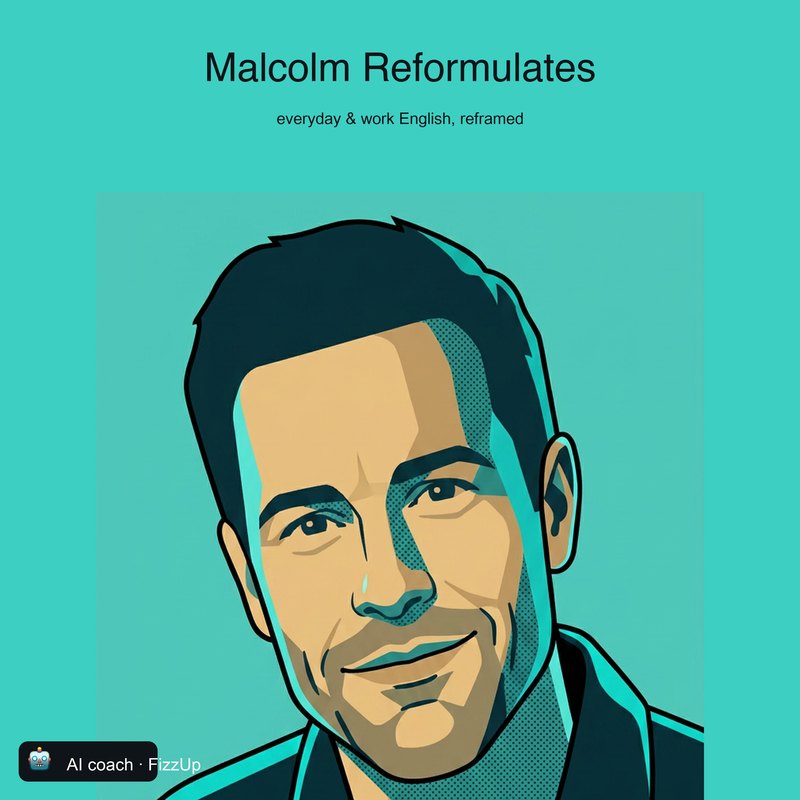
Malcolm
Warm and curious. He turns what you say into how you’d want to say it.
Everyday English with Malcolm
Listen on SpotifyYour personal AI coach
Talk about what you’re into and what you need. FizzUp gets to know your English, helps you improve it, and builds the rest of your learning around you.
No account needed · Openly AI · Free app, no in-app purchases
The conversation and microphone only start when you press the button.
An excerpt from a lesson with Malcolm — an example prepared by FizzUp · Openly AI.
Your reason
FizzUp doesn’t decide why you’re learning English. It starts with your reason.
You’ve been learning English for years. Then the moment comes — and the words aren’t there.
Most apps teach the English you might need one day. FizzUp starts with the English you need now.
Your sentences, your programme
Nothing here is made up for a course. What you say becomes the material — and what the material shows becomes your next step.
You’re not just picking “B1” from a list.
It shows you what it knows about you on the “What I remember about you” screen — and you can delete any item. It keeps what you’re working on, not everything.
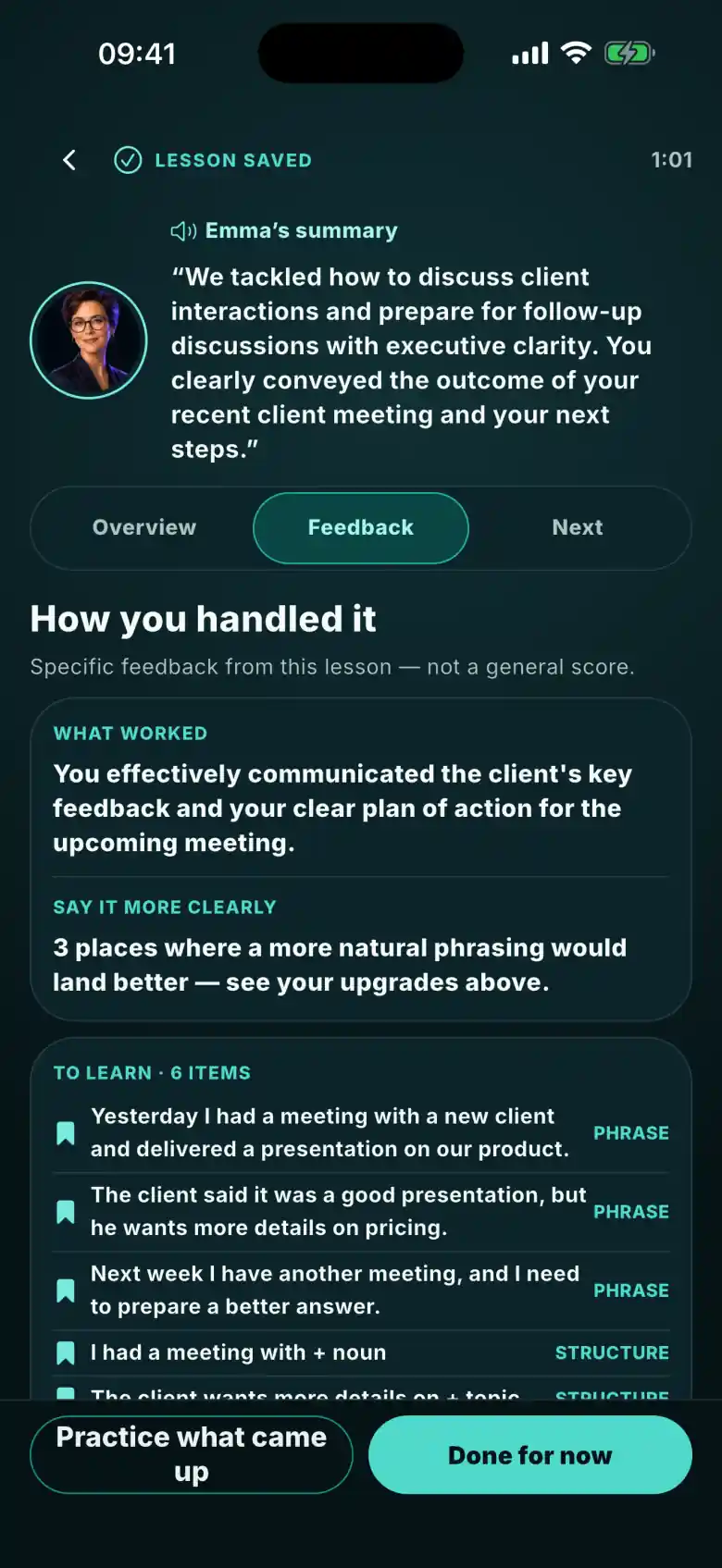
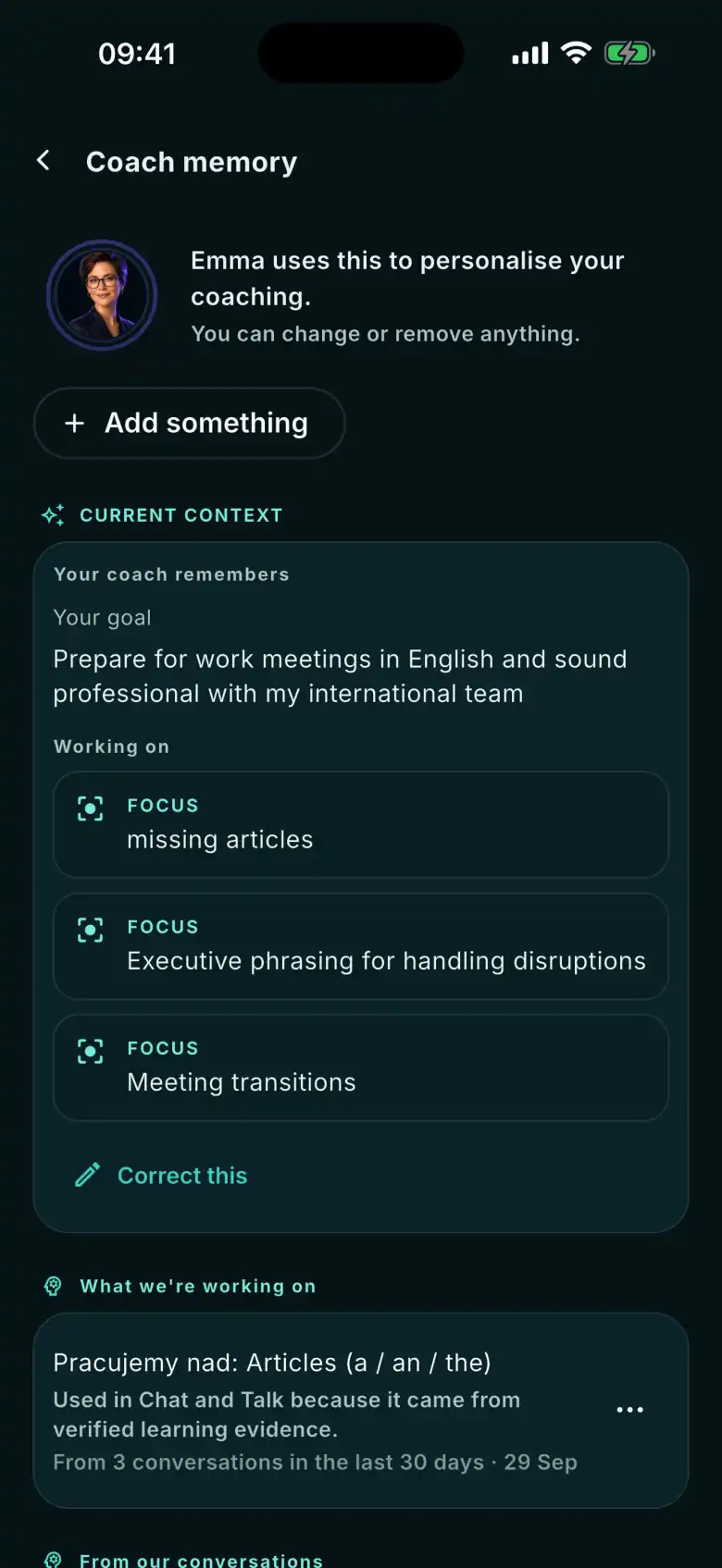
Screens from a demo account with a sample conversation history.
The method
You talk about what’s on your mind.
You see what you said — and what you meant to say.
A correction that fits the moment: a better version, a nudge to find it yourself, or — for now — nothing. And you always know why.
The phrases that matter come back when it’s time.
Days later, in a new conversation, you say it yourself.
Use again
This is how we count progress: only when you say it yourself — at least a day later, in a new conversation, before your AI coach prompts you.
Conversation first. Everything else is there to make the next one better. The “Used again” screen that will show you these moments is being built.
Each AI coach hosts a podcast in the same voice.
Warm and curious. He turns what you say into how you’d want to say it.
Everyday English with Malcolm
Listen on Spotify
Direct and quick. He won’t let you hide behind simple sentences.

Interview Ready
Listen on Spotify

The precision and tone that get you taken seriously.
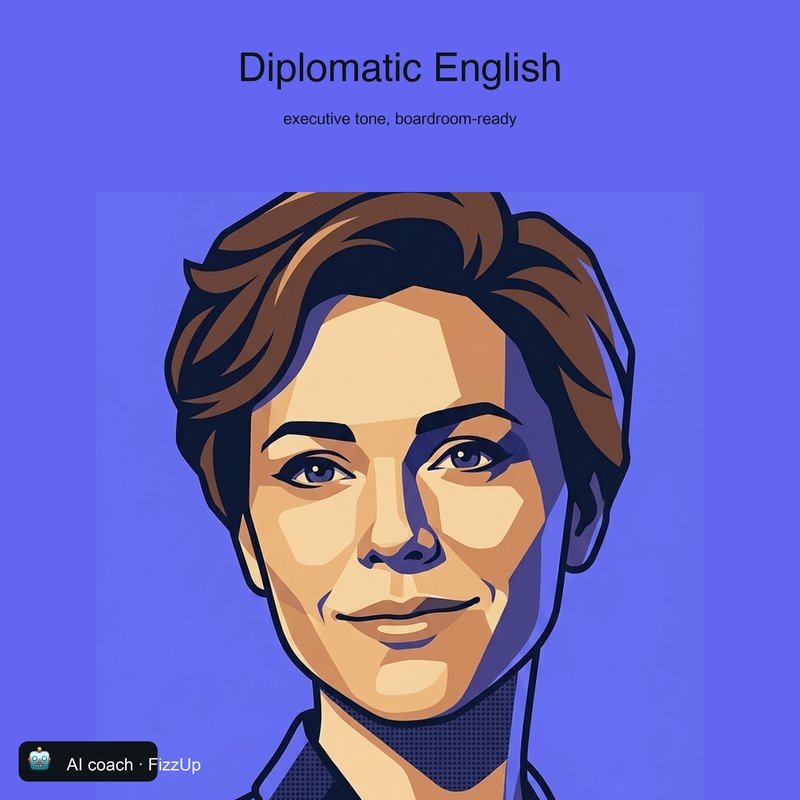
Diplomatic English
Listen on SpotifyLibrary
Articles, podcasts, books and audiobooks at different levels, with text and audio side by side. Read or listen → talk about it → keep the phrases → FizzUp brings them back.
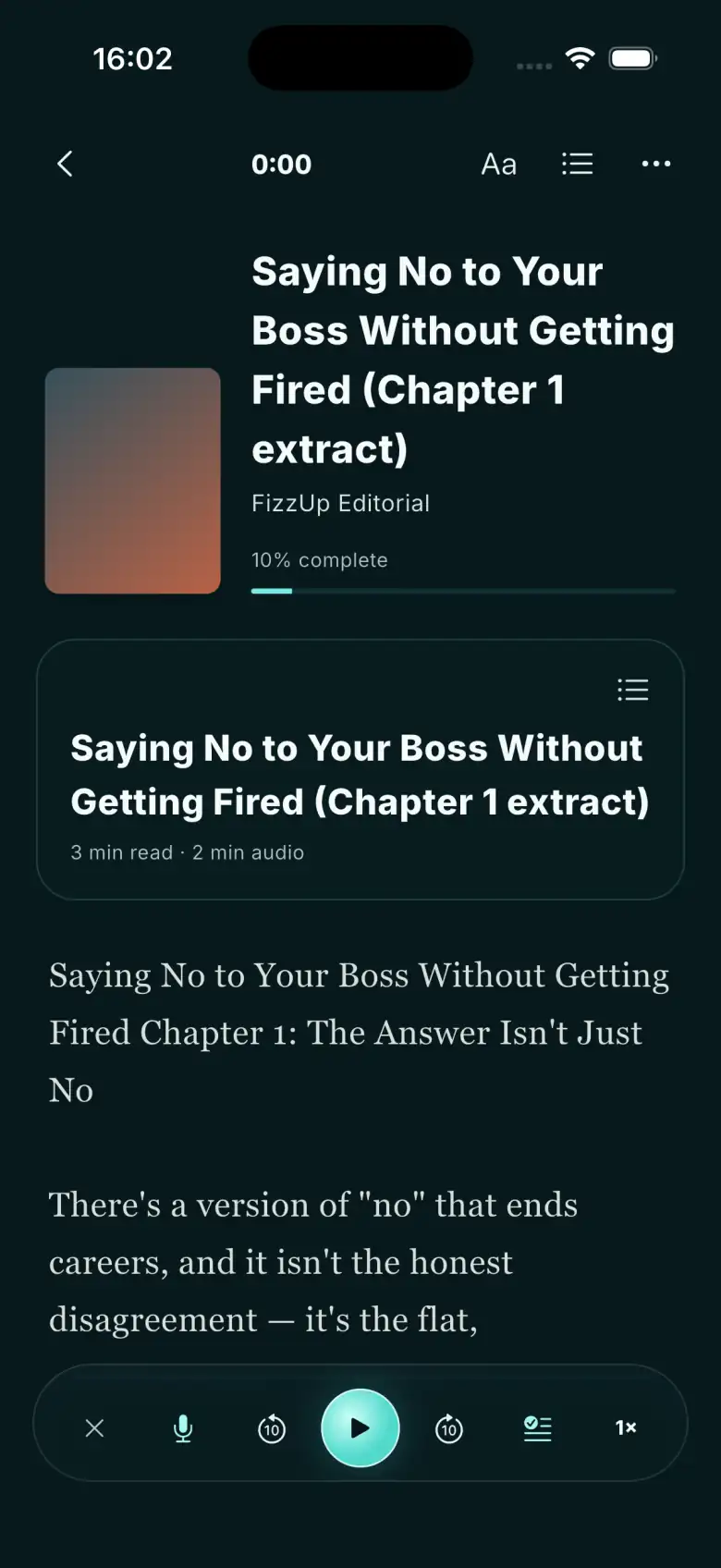
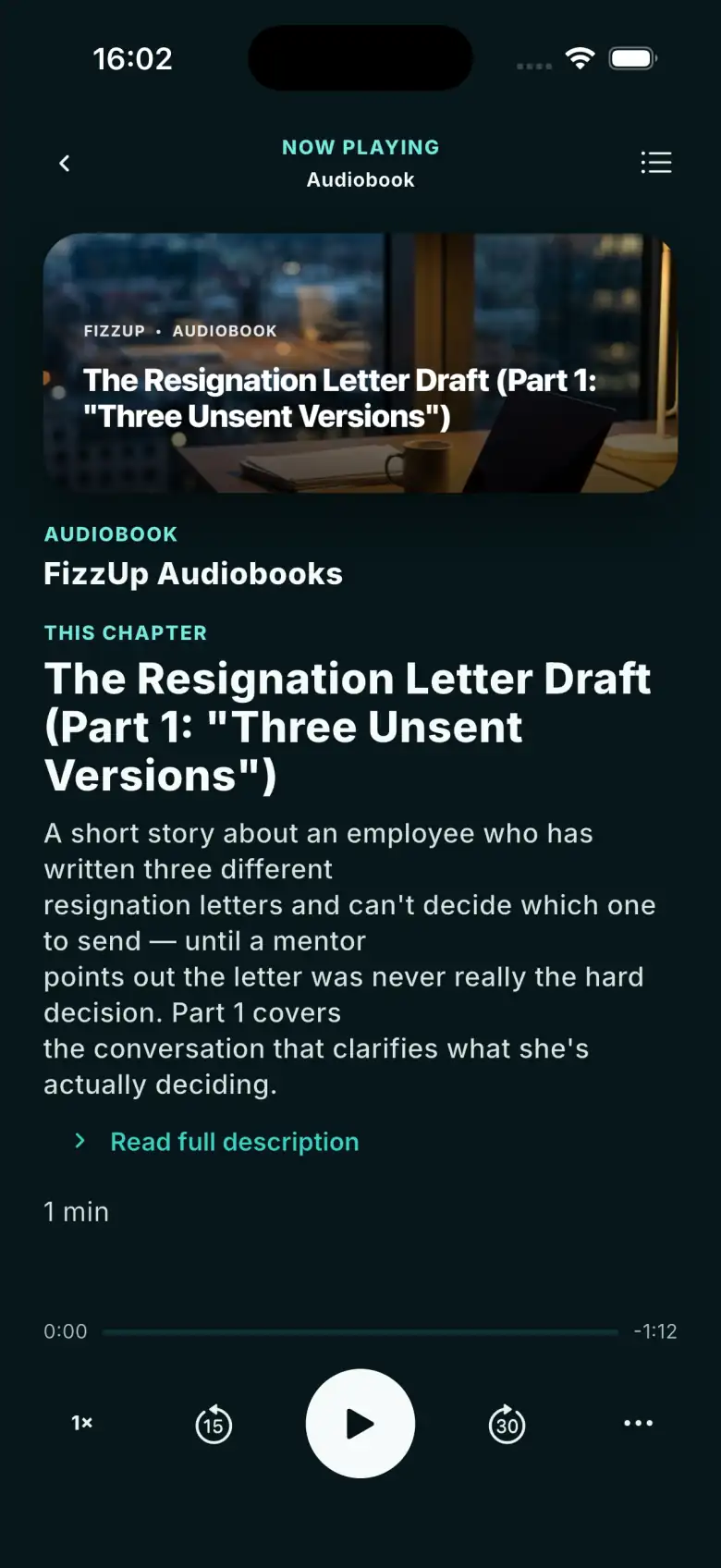
Tools for vocabulary, grammar and speaking — Role Play among them. They work best with whatever came up in your conversation.
Explore the tools ›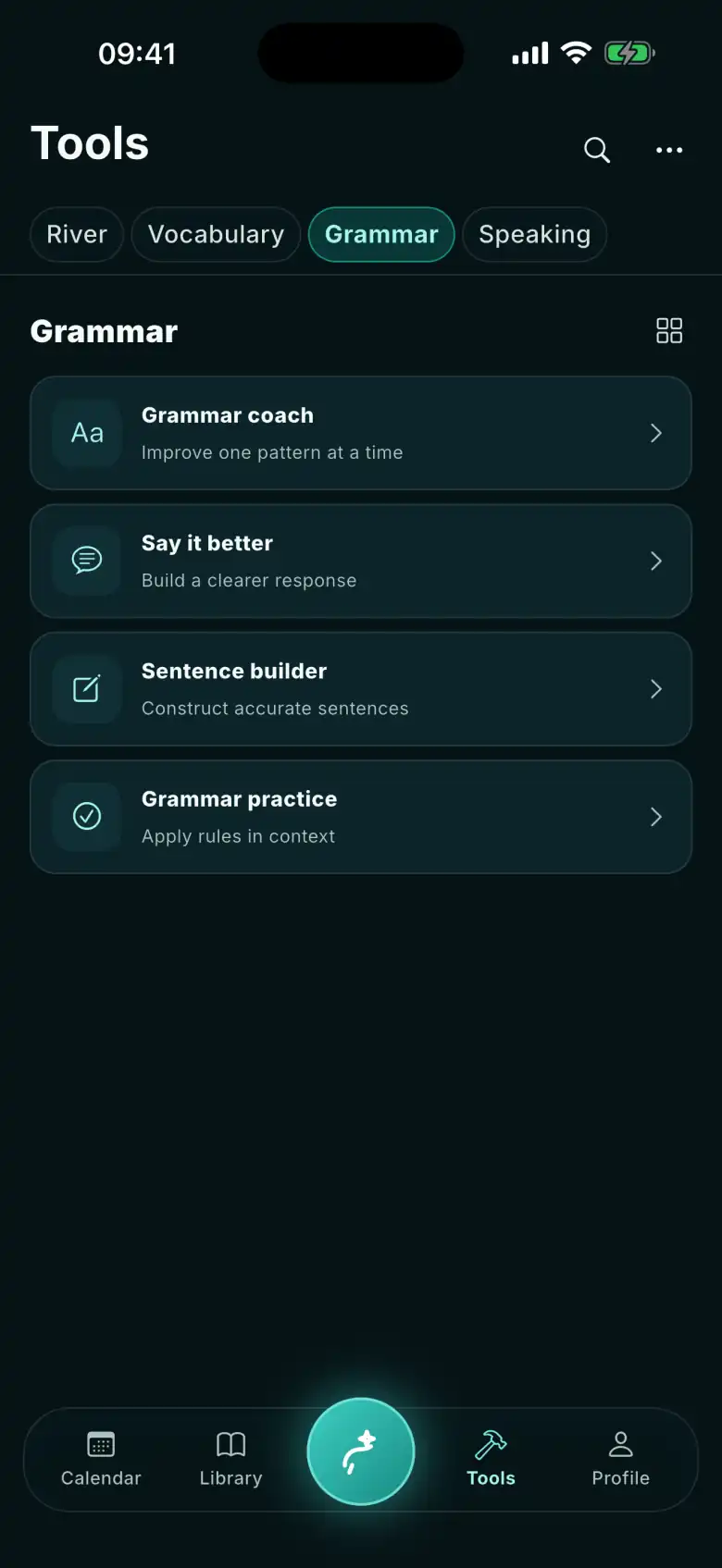
Try it on your own sentence
Type a sentence you’d say in English at work. Malcolm shows you a better version — and why. No account needed, up to 10 sentences a day.
Or start from one of these
Openly AI. No pretending to be human. Your sentence isn’t stored.
Start with the conversation you actually want to be able to have.
Take it with you
The app is free: no subscriptions, no in-app purchases, no ads.