FizzUp Tools
Tools that follow the conversation. You practise what came up in it.
After a conversation, the report suggests what to practise next. Or open any tool yourself — for vocabulary, grammar and speaking.
- Vocabulary
- Grammar
- Speaking
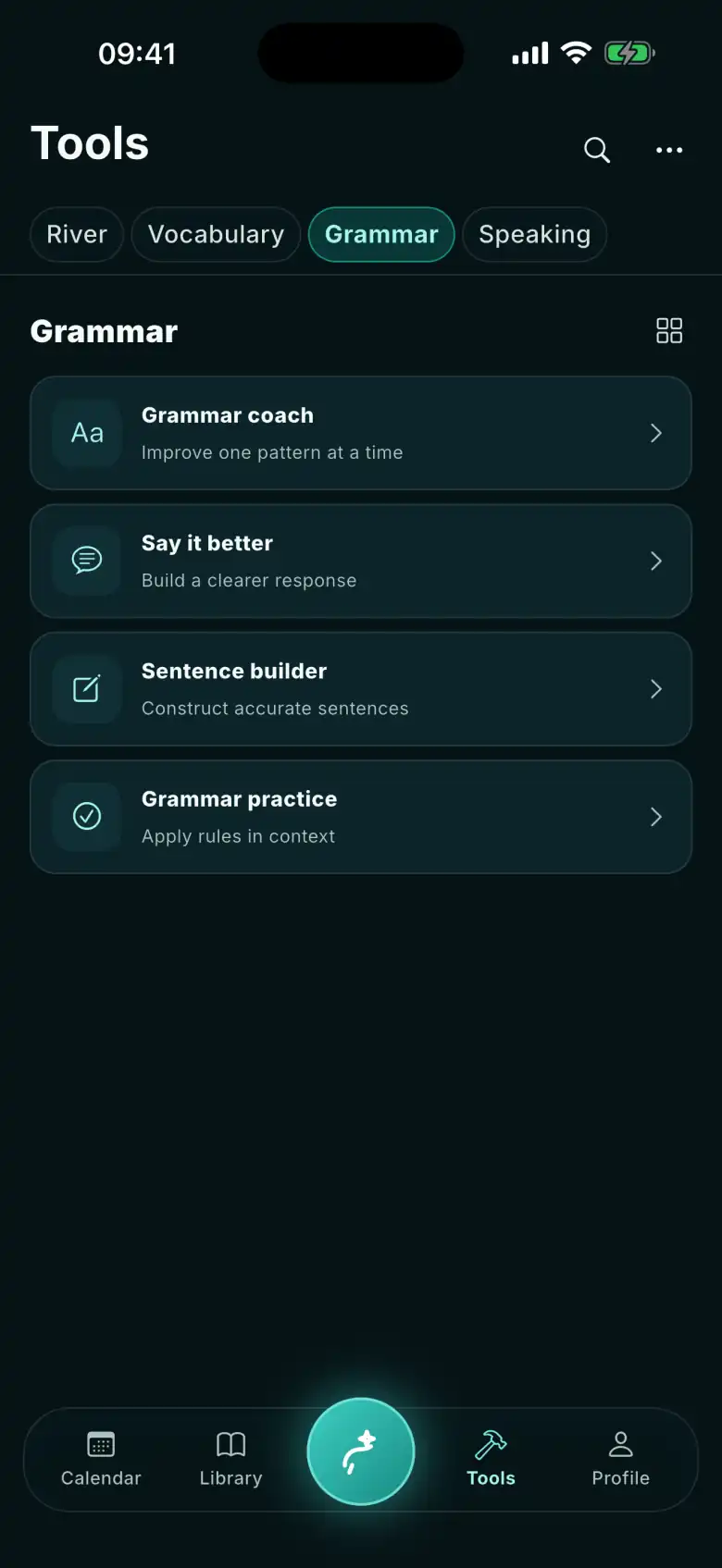
In the app
The whole Tools tab.
Names and subtitles as the app shows them — and what you actually do in each.
Vocabulary
Flashcards
Remember words & phrases
Reveal the answer, then say how it went: Again, Almost or Know. The card returns on its review day.
Precision words
Choose exactly what you mean
A sentence with a vague word — pick the replacement that says exactly what you mean.
Phrasal verbs
Use combinations naturally
Phrasal verb cards: test yourself, then rate how it went.
Vocabulary builder
Grow a useful word set
Recall a phrase you saved, then write your own sentence with it.
Grammar
Grammar Coach
Improve one pattern at a time
One pattern across five cards, ending with a sentence of your own.
Say it better
Build a clearer response
Rewrite a sentence your way, then compare it with other versions — each with a short reason why.
Sentence builder
Construct accurate sentences
One intention, several ways to say it: see what the listener hears, and pick the one that carries it.
Grammar practice
Apply rules in context
Exercises on the patterns due for review: recognise, choose, or write the sentence yourself.
Speaking
Pronunciation
Sound clear and natural
Hear a model, practise words and minimal pairs, then record a sentence and compare it with the model.
Meeting studio
Rehearse a real situation
Pick a meeting and talk your way through it, step by step.
Public speaking
Prepare and review a talk
Pick a brief or a format and record take after take of your talk.
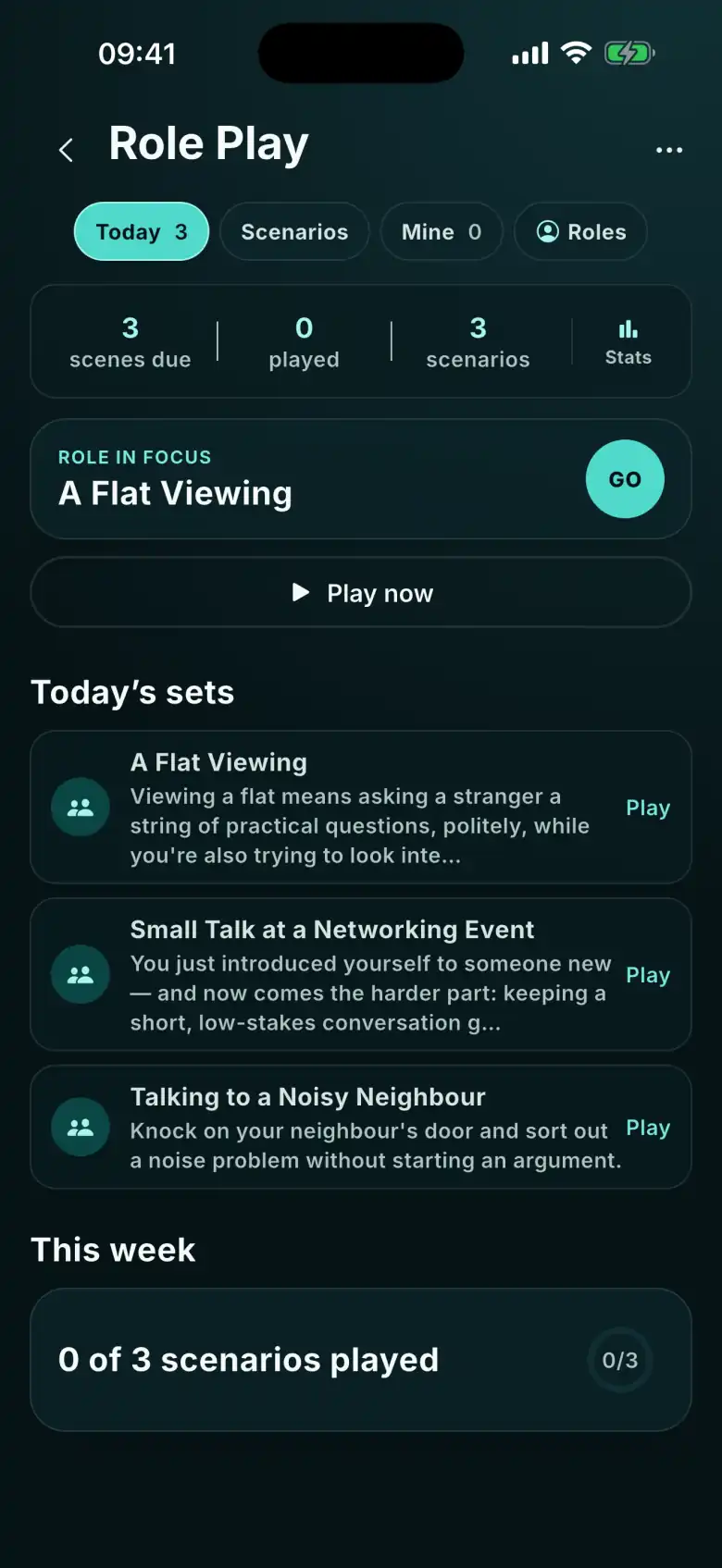
Role play
Practise a live exchange
A turn-by-turn conversation: hear the other side’s lines, reply by voice or in writing.
Where an exercise comes from
From conversation to practice.
The tool isn’t the point. The next conversation is.
- A phrase you save in a conversation goes into your flashcards, tagged Personal, and comes back on its review day.
- The report after a conversation can point to one pattern — Grammar Coach takes it apart in five cards.
- A meeting ahead of you can be rehearsed in Meeting studio — out loud, step by step.
- Role Play gives you scenes from real situations: the other side speaks first, and you answer out loud — or, in the latest version, start by typing, with no microphone.
Try it — no account
Try a few right now.
Real content from the app. Nothing is sent, nothing is graded.
big
Flip the card
go through
B1
What does it mean? · Flip the card
The proposal was ___.
Which word would you use in this sentence?
Sales were very high this quarter.
In a team meeting, your colleague asks you how long the new project will take. You think it depends on the client.
Your version
It depends from the client.
An example written for the tool, not something a real person said.
Your intention
The decision was made by the whole team. You don’t want to point fingers.
Which sentence carries it?
Which sentence is the most polite way to ask a colleague for a favour?
Which sentence is grammatically correct for a polite request?
Write one sentence to ask a colleague to turn off the lights when they leave.
A polite request in this situation should begin with a modal phrase followed by the base verb.
The speaking tools live in the app. You can talk to an AI coach right now, on the home page.
Talk now ›Start with the conversation. The tools follow it.
The report afterwards suggests which tool to start with.
Download FizzUp
The app is free: no subscriptions, no in-app purchases, no ads.