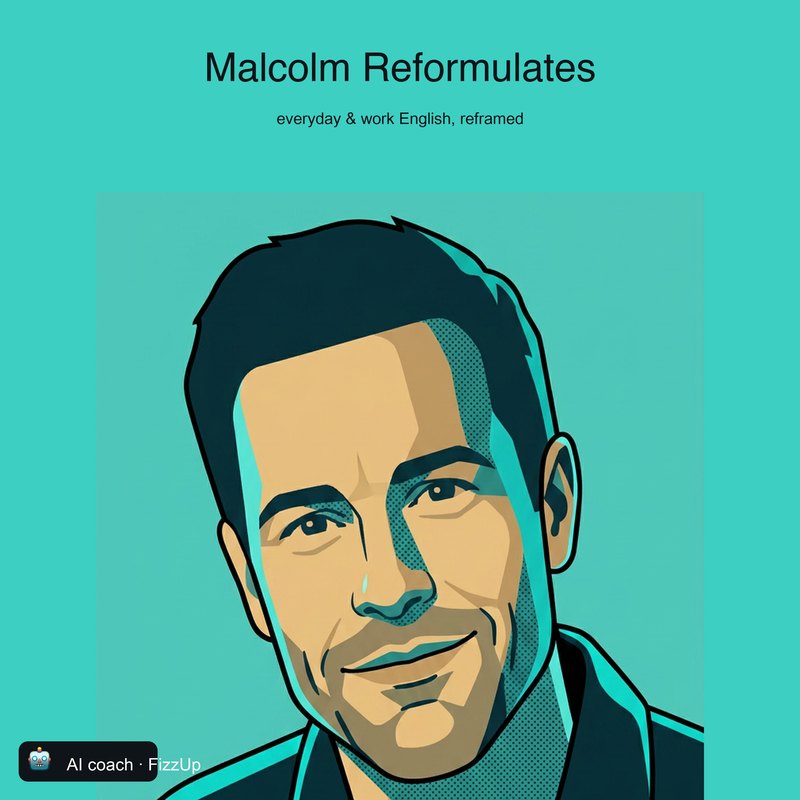
Malcolm
Warm and curious. He turns what you say into how you’d want to say it.
Everyday English with Malcolm
Listen on SpotifyHow it works
No course to enrol in, no twelve-week plan. You bring your own situation, you leave with a better sentence, and you know what changed. A few days later it comes back — so you can say it on your own.
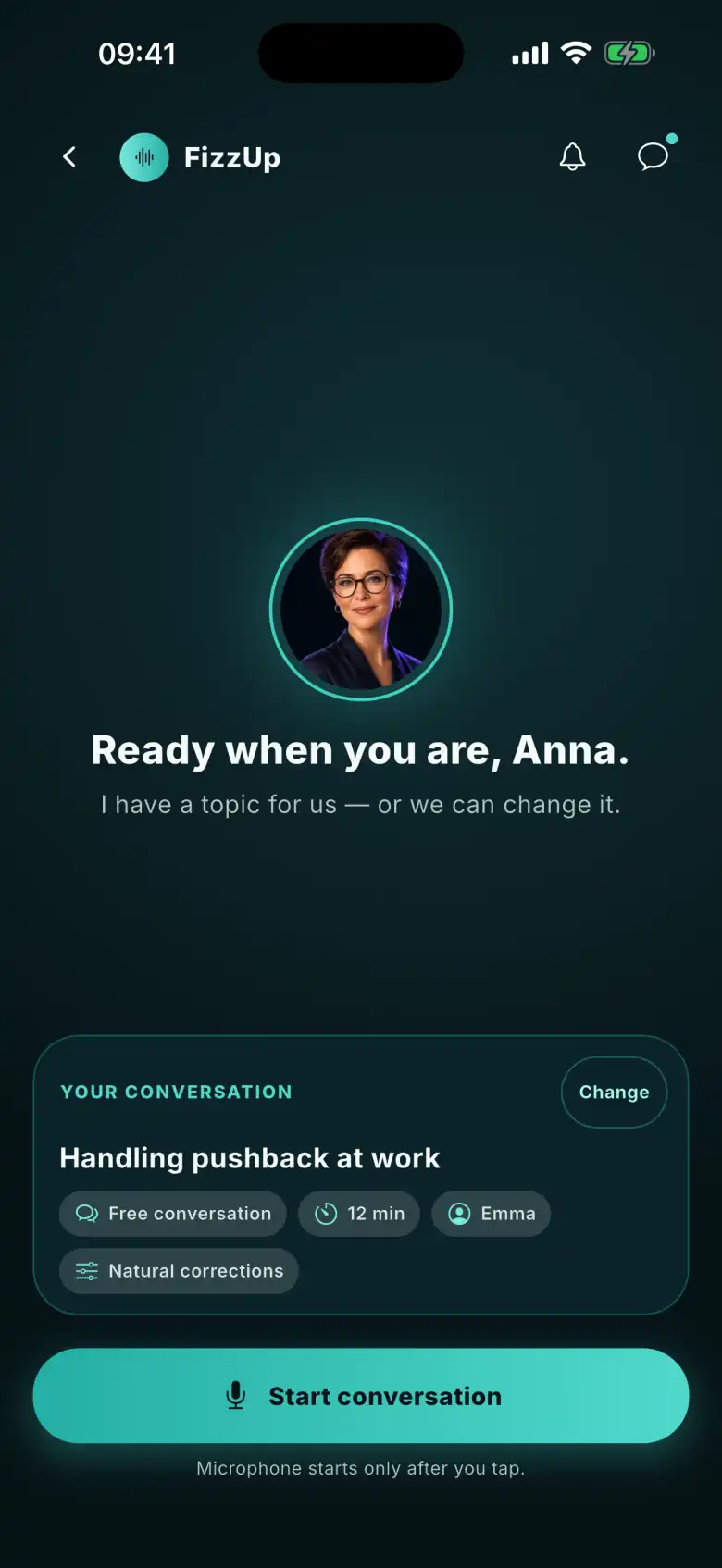
Topic
Say what you want to talk about today. Out of ideas? Your AI coach picks up where you left off and suggests a topic — change it with one tap.
Conversation
Your AI coach speaks first. You reply, the timer runs. The transcript, suggestions and phrases you’ve saved open full screen — without breaking off the conversation. Rather type? Have the same conversation in text.
Afterwards
After the conversation you see better versions of your sentences and one recommended exercise. One tap sends the phrases you want to keep to your flashcards, ready for review.
Try it on your own sentence ›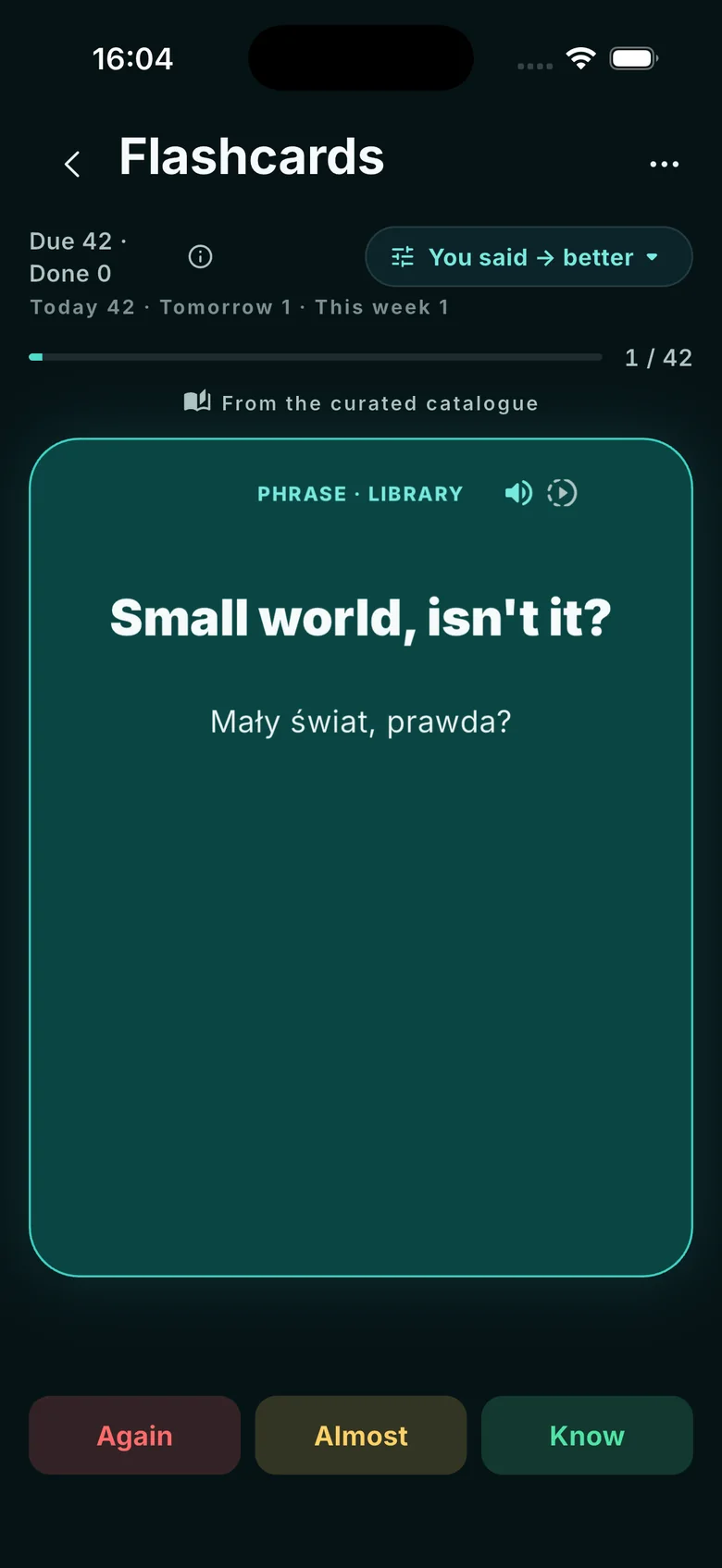
Coming back
You don’t have to remember to review. The calendar shows what’s up for review today, and you can reorder or remove the steps in your learning plan. This is how we count progress: when you next say it yourself, unprompted. The “Used again” screen that will show it is being built.
Screens from a demo account with a sample conversation history.
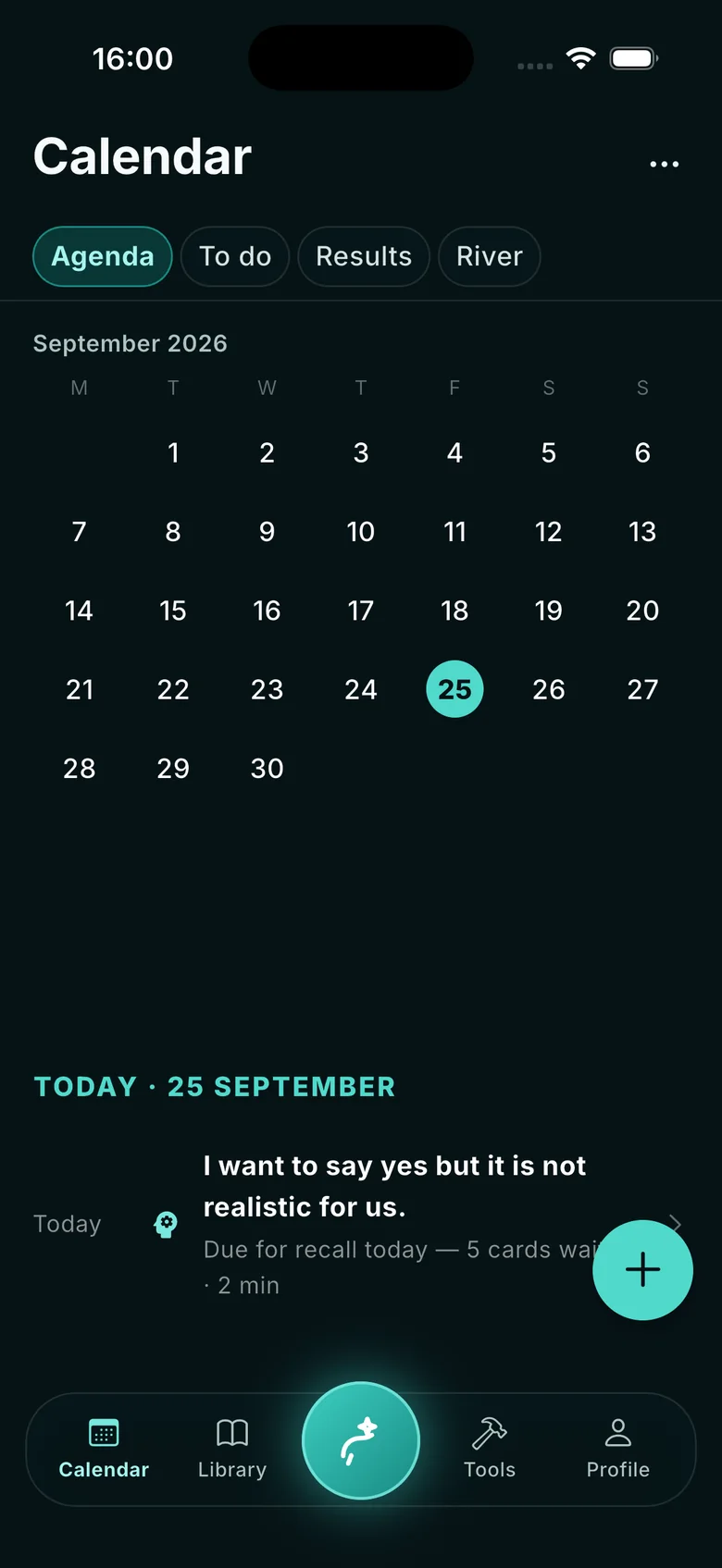
Your first conversation
The app is free, and you create an account without a card. You start with a real situation, not a placement test; in the latest version, after your first feedback you can take a short level check (about 3 minutes) — or skip it.
Four AI coaches — openly AI — and four ways of running a conversation. You choose who to talk to, not which lesson to do.
Talk about what’s on your mind. Your AI coach leads, asks follow-up questions, and doesn’t stop you mid-sentence to correct you.
Afterwards, you see your sentences next to better versions — and why they’re better.
That’s enough to tell whether it’s for you. The library, the tools and your reviews come later, built on what the conversation showed.
Say → See → Fix → Keep → Use again
You talk about what’s on your mind.
You see what you said — and what you meant to say.
A correction that fits the moment: a better version, a nudge to find it yourself, or — for now — nothing. And you always know why.
The phrases that matter come back on their review day.
Days later, in a new conversation, you say it yourself.
This is how we count progress: only when you say it yourself — at least a day later, in a new conversation, before your AI coach prompts you.
The “Used again” screen that will show you these moments is being built.
Pick your AI coach now — we’ll add them to your programme application.
Each AI coach hosts a podcast in the same voice.
Warm and curious. He turns what you say into how you’d want to say it.
Everyday English with Malcolm
Listen on Spotify
Direct and quick. He won’t let you hide behind simple sentences.
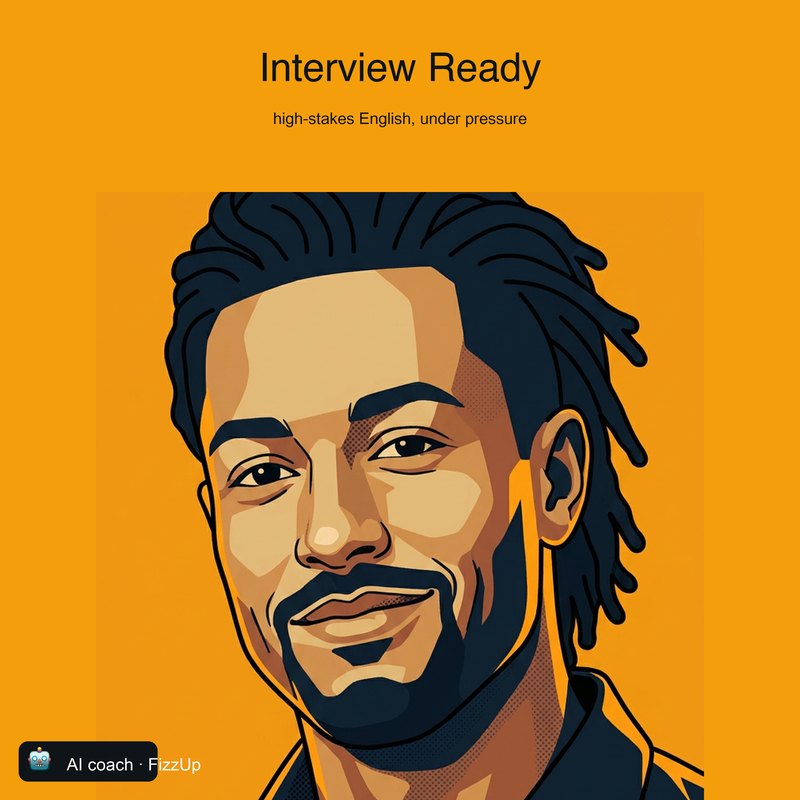
Interview Ready
Listen on Spotify

The precision and tone that get you taken seriously.
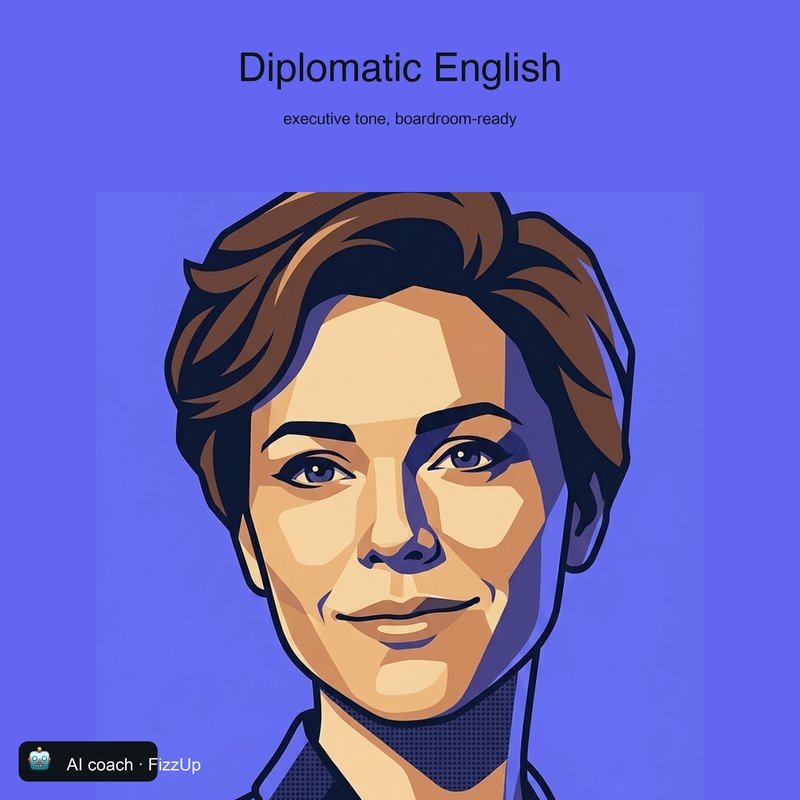
Diplomatic English
Listen on SpotifyPick an AI coach and bring one thing you need to say in English today.
Download FizzUp
The app is free: no subscriptions, no in-app purchases, no ads.