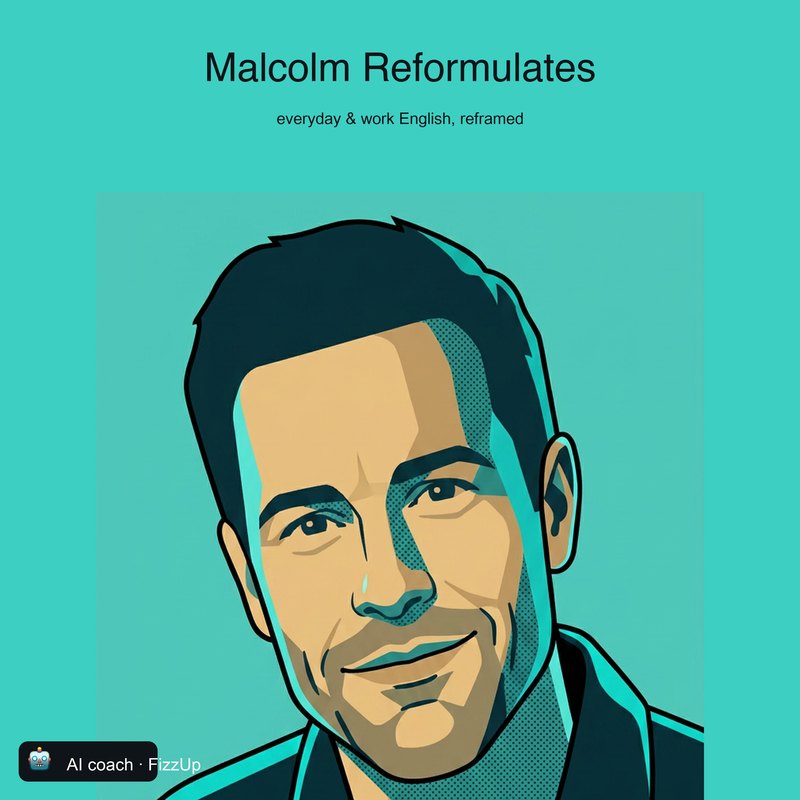
Malcolm
Warm and curious. He turns what you say into how you’d want to say it.
Everyday English with Malcolm
Listen on SpotifyTalking with your AI coach
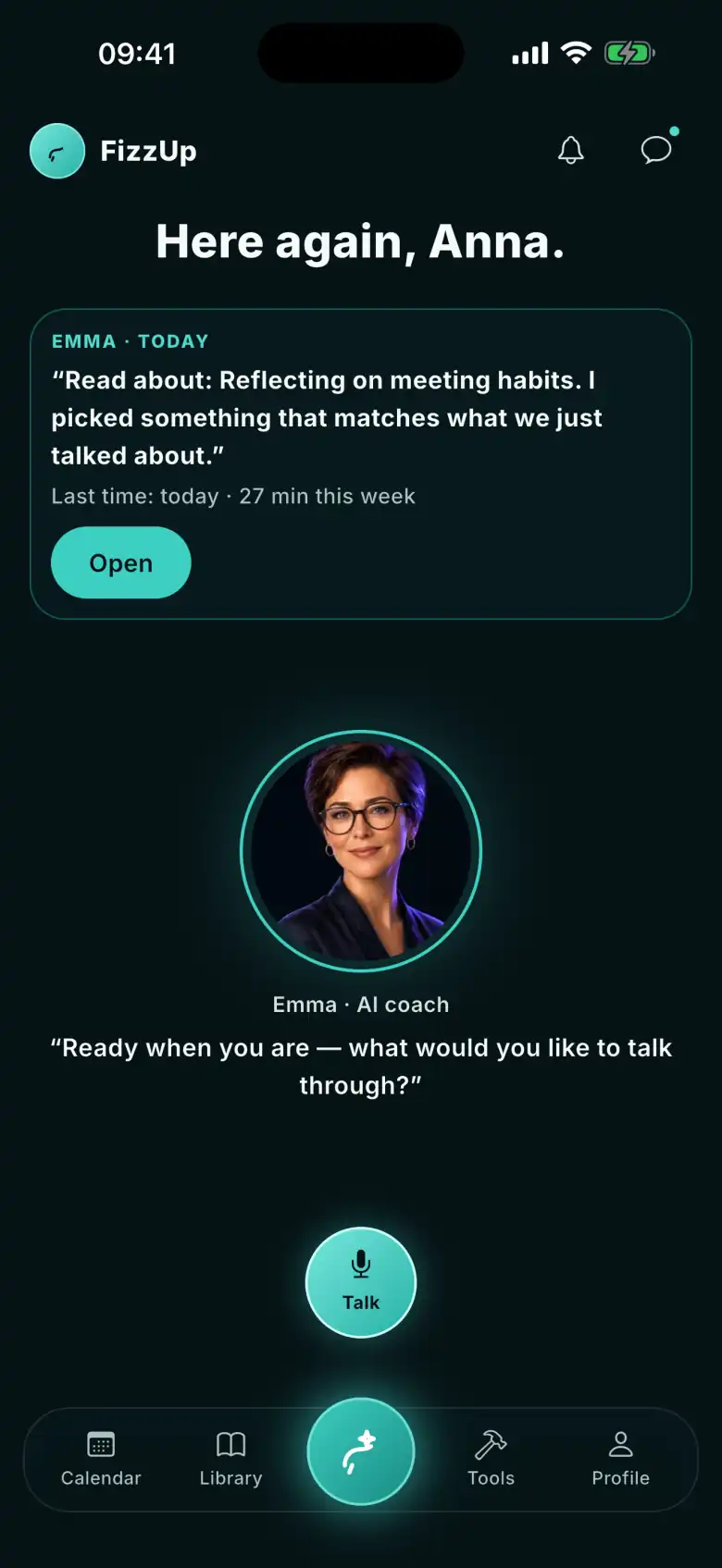
Pick an AI coach and the thing you need to get done, then just talk. Your AI coach listens, replies and — when it helps — shows you a better way to say it. Whatever you save comes back in your plan and your calendar.
Before, during, after
Nothing starts until you tap the button. Nothing disappears when you finish.
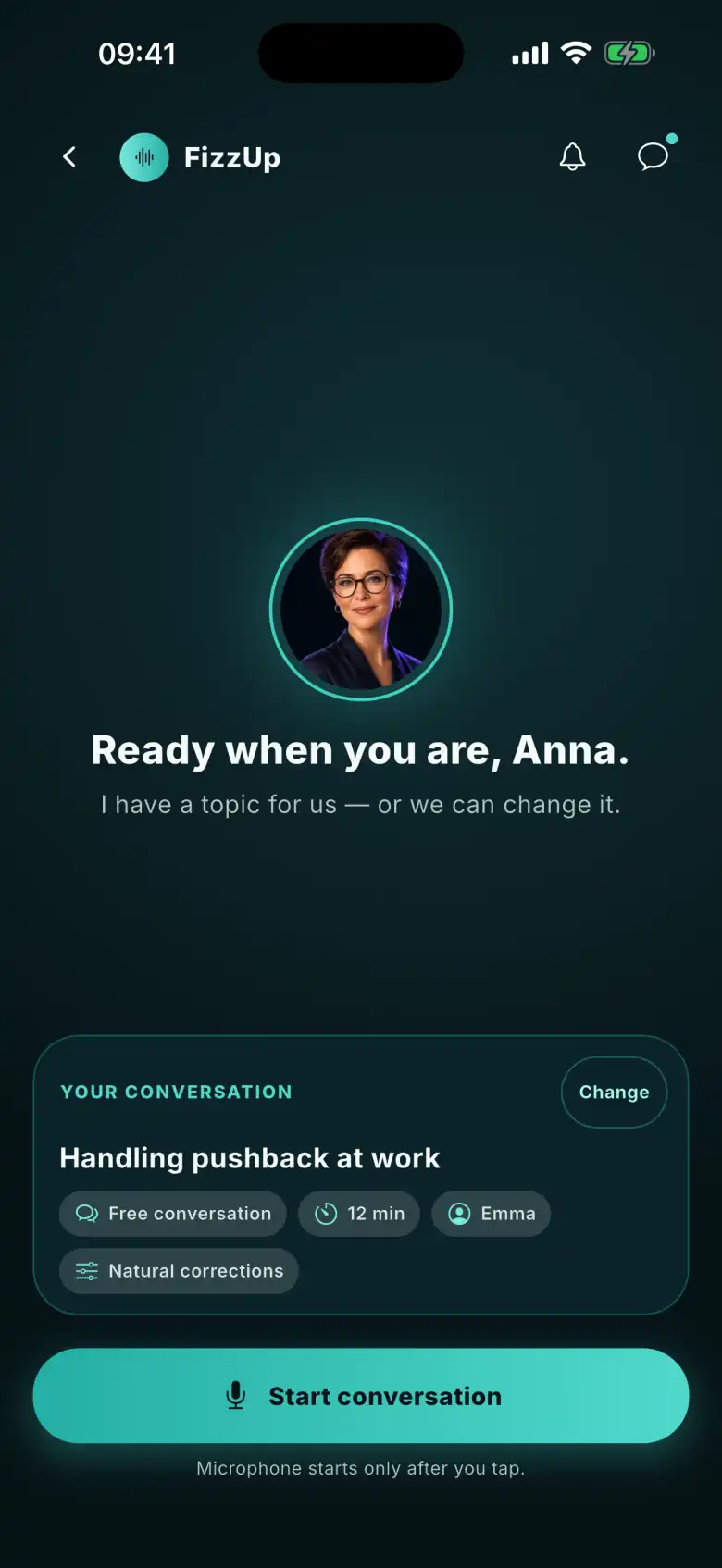
1. Before
Your AI coach suggests a topic — change it if you like. The mic only switches on when you tap “Start conversation”, and your AI coach speaks first.
2. During
Up top: the topic, with a button to change it, and a timer. The tabs — transcript, suggestions, saved phrases and your plan — open full screen. Mute, pause and end stay in the same place.
3. After
Afterwards you see what worked, one thing to say more clearly and your own sentences to practise. Whatever you save comes back on its review day.
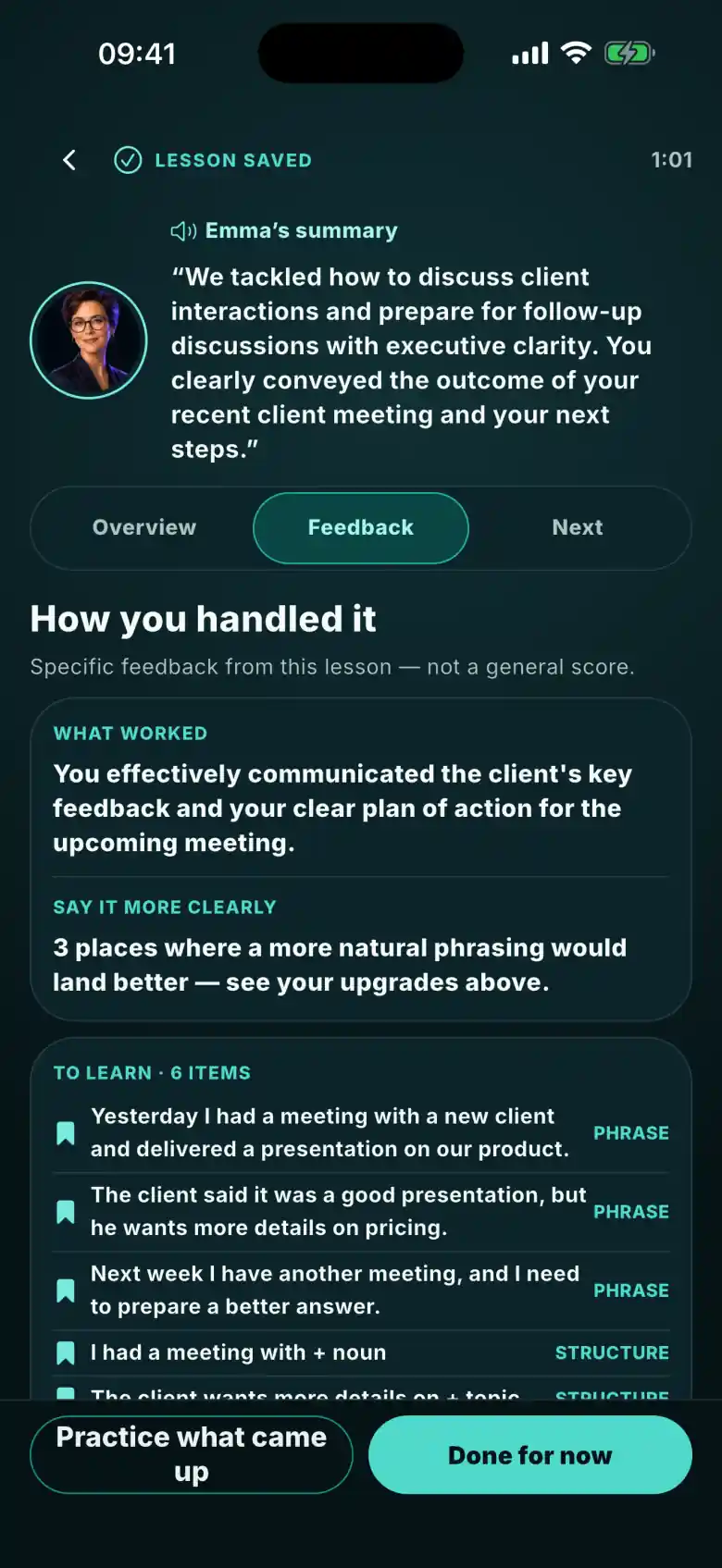
On screen while you talk
They stay tucked away until you need them. Open one mid-sentence and the conversation keeps going.
Read back what was just said — on both sides.
Phrases that fit what you’re talking about right now.
Phrases you want to keep. Later, they turn into flashcards.
The goal this conversation is part of, in view while you speak.
You’re in control
Four AI coaches, one method. Each runs a conversation their own way — and each hosts a podcast in the same voice.
Each AI coach hosts a podcast in the same voice.
Warm and curious. He turns what you say into how you’d want to say it.
Everyday English with Malcolm
Listen on Spotify
Direct and quick. He won’t let you hide behind simple sentences.

Interview Ready
Listen on Spotify

The precision and tone that get you taken seriously.
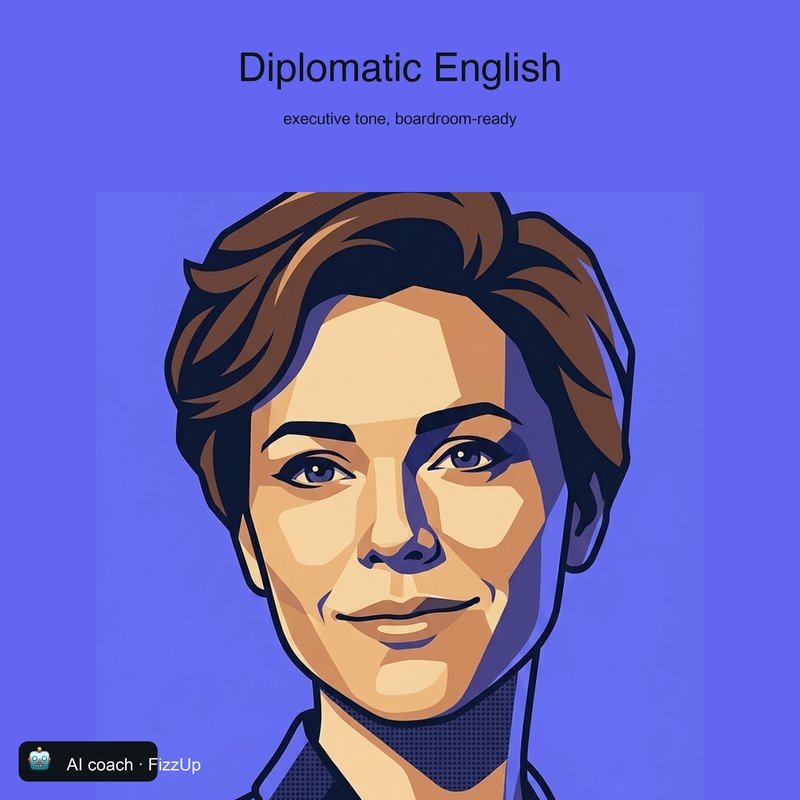
Diplomatic English
Listen on SpotifyPick an AI coach and the thing you need to get done. The conversation will show you the rest.
Download FizzUp
The app is free: no subscriptions, no in-app purchases, no ads.